Showing posts with label photoshop. Show all posts

Friday, 12 November 2010

Heavy Industry


I mounted these on black card, because it would look better on that white card because of the duotone effect. I arranged the photos together so the pipes looked like they were connected to eachother. The photos where printed on glossy photopaper.

Friday, 8 October 2010

Photoshop - creating a logo

Open a new document -
File > New > Resolution: 150 > Ok

Write each letter of your logo in a new layer -
Text tool then type the letter
Click off the text tool
Reselect the text tool and type another letter

If one of your letters is in inverted text-
Highlight a letter with the rectangular marquee tool
Layer > Rastersize (make sure all the editing to the letter is done first as it cannot be changed after)
Image > Adjustments > Invert

To make the letter look negative (give a background) -
Make a New layer
Edit > Fill > Use: Black > Ok
Move the layers so the text is above the layer

Friday, 24 September 2010

Adobe CS4 - Layering

To layer an image over another image-
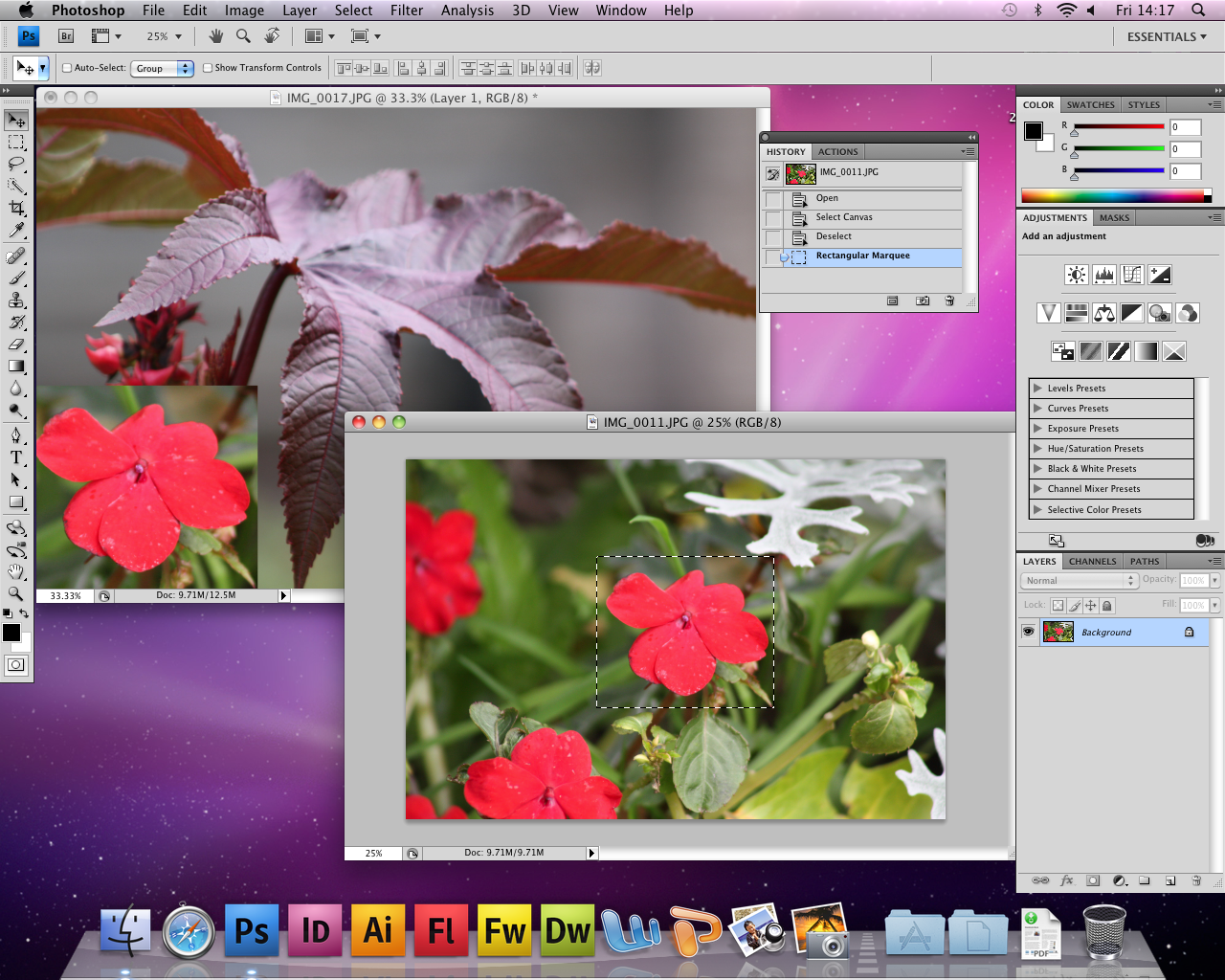
-- Open both images, and hold and drag on of the tabs away so they are 2 seperate windows
-- Click on one of the images, go to Select > All OR go to the Marquee tool on the side bar and drag over what you want to Select
-- Copy (Apple C), click on the other image and Paste (Apple V) and the selected image will be pasted in the other image
-- The image you now will have is the selected image as layer 1 and the first image is background
-- To resize, rotate, and warp the image, go to Edit > Transform and pick from the menu

Tuesday, 21 September 2010

Adobe Photoshop CS4 and Your Pictures


When you put a picture on Blogger, take down the resolution to under 100, so people can't take hight quality prints from your site


Save - Apple S
Undo - Windows > History then chick the part you want to go back to